Short answer
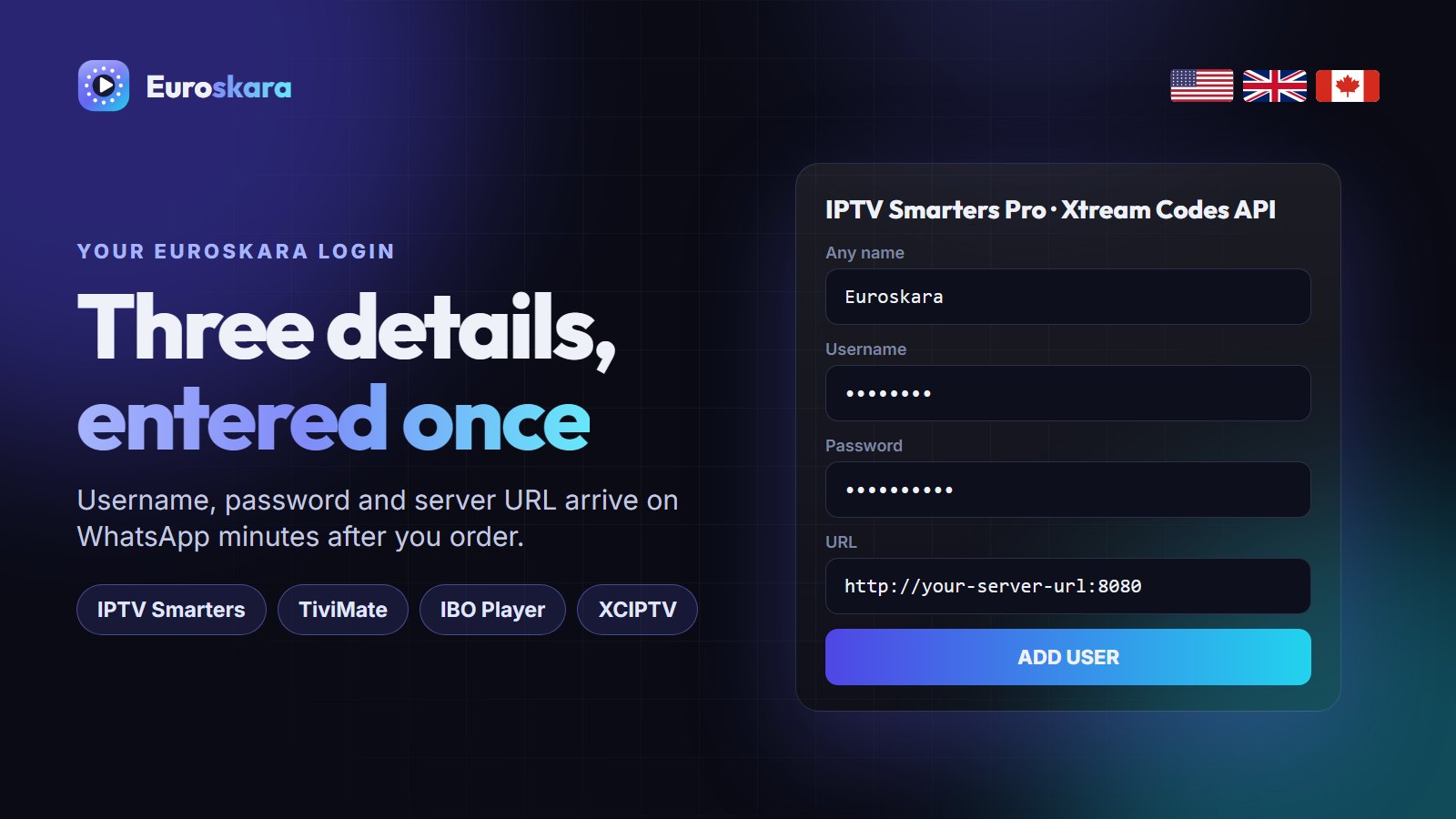
To install Euroskara IPTV: 1) get your login on WhatsApp, 2) install a player app (IPTV Smarters Pro, TiviMate or IBO Player), 3) choose Login with Xtream Codes API, 4) enter your username, password and server URL, 5) wait for the channels and TV guide to load. It takes about ten minutes on any device.
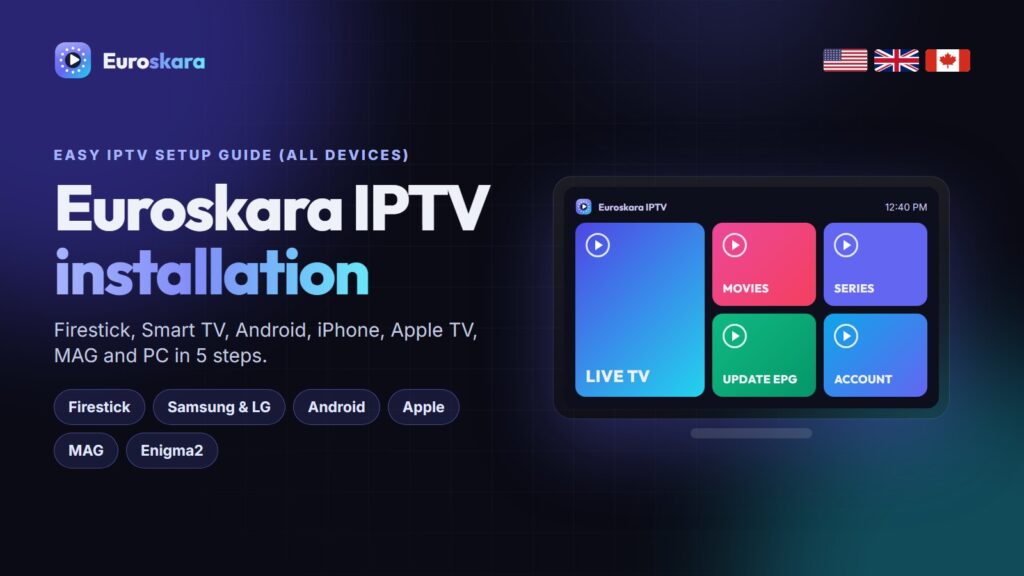
Setting up IPTV sounds technical, and most guides make it worse by mixing up apps, devices and login types. This guide keeps it simple: the same five steps on every device, then the small differences for Firestick, Smart TVs, Apple devices, MAG boxes and Enigma2 receivers.
The 5 Essential Steps
- Get your Euroskara login. Order on WhatsApp or ask for the free trial. You receive three details: username, password and server URL (plus an M3U link if your app needs one).
- Install a player app. IPTV Smarters Pro works almost everywhere. TiviMate is the favourite on Firestick and Android TV. IBO Player suits Samsung, LG and Roku.
- Choose “Xtream Codes API”. It loads live TV, the TV guide, movies and series as separate sections and updates itself. Use M3U only if the app offers nothing else.
- Enter the three details exactly as sent. Include
http://and the port number if there is one. Most “login failed” errors are a typo here. - Let it load, then test a big channel. The first load takes 30–90 seconds while the guide downloads. Open a 4K sport channel and watch for a minute.
Firestick and Fire TV
- On the Fire TV home screen go to Settings → My Fire TV → Developer options and allow Apps from unknown sources. If Developer options is missing, open About and click the device name seven times.
- Search for and install the Downloader app (orange icon).
- In Downloader, enter the download address of your player (we send the current code for IPTV Smarters or TiviMate on WhatsApp).
- Install, open the app, and follow the five steps above.
Firestick tip: plug the stick into the TV with the HDMI extender it came with and, if you can, use an Ethernet adapter. Both make a visible difference to 4K stability.
Samsung and LG Smart TVs
Samsung (Tizen) and LG (webOS) do not run Android, so there is no sideloading. Open the TV’s app store, search for IPTV Smarters or IBO Player, install it, and log in. Apps such as Smart IPTV and Set IPTV work differently: they show a MAC address on screen, and you upload your M3U link to that MAC on the app’s website. Our Samsung Smart TV guide covers both methods.
Android TV, Google TV and Android Boxes
Install TiviMate or IPTV Smarters Pro directly from the Google Play Store, then log in with Xtream Codes. On older boxes without Play Store, sideload the APK with Downloader as on a Firestick.
iPhone, iPad and Apple TV
Install IPTV Smarters Player Lite, GSE Smart IPTV or iPlayTV from the App Store. Choose the Xtream Codes login and enter your details. On Apple TV the same apps are in the tvOS App Store.
MAG Box and Formuler
MAG boxes use a portal rather than an app. Send us the box’s MAC address (on the sticker underneath) and we attach it to your line. Then go to Settings → System settings → Servers → Portals, enter the portal URL we send, and restart. Formuler boxes use MyTVOnline 3 with the same portal URL.
Enigma2 Receivers
On Enigma2 receivers (Vu+, Dreambox, Zgemma), we send a one-line install command. Connect to the receiver with Telnet or DCC, paste the command, and restart the GUI. The bouquets appear in your channel list.
Windows and Mac
Use IPTV Smarters for Windows/macOS or VLC with the M3U link. VLC is fine for testing; a dedicated player gives you the TV guide and a proper channel list.
If Something Does Not Work
- “Invalid login” — re-type the server URL, including
http://and the port. - Channels load, guide is empty — give it a few minutes, then refresh the EPG in the app settings.
- Buffering — move to Ethernet or 5 GHz Wi-Fi, and see our buffering guide.
- Still stuck — message us on WhatsApp with a photo of the screen. We fix most setups in a few minutes.
More IPTV Guides Worth Reading
If you are still comparing options, these guides from other IPTV services are worth a read alongside this one:
- Nexomir’s Firestick install guide — Downloader codes and the two settings people miss.
- IPPlayTV’s Smart TV install guide — Samsung, LG and Android TV, step by step.
- NorvikTV’s Firestick setup — a clean Firestick install from scratch.
Frequently Asked Questions
How do I install Euroskara IPTV?
Install a player app such as IPTV Smarters Pro or TiviMate, choose Login with Xtream Codes API, and enter the username, password and server URL you receive on WhatsApp. The channels and TV guide load in about a minute.
What is the best app for Euroskara IPTV?
TiviMate on Firestick and Android TV, IPTV Smarters Pro on phones and most Smart TVs, IBO Player on Samsung and LG, and GSE Smart IPTV on Apple devices.
Can I install Euroskara on a Samsung Smart TV?
Yes. Install IPTV Smarters or IBO Player from the Samsung app store, or use Smart IPTV with your M3U link. A Firestick in a spare HDMI port is the alternative if your model has no IPTV apps.
Does Euroskara work on a MAG box?
Yes. Send us your MAG’s MAC address, then enter the portal URL we give you under Settings, Servers, Portals and restart the box.
How long does Euroskara IPTV installation take?
About ten minutes on a Firestick or Android device, and five minutes on a phone. The first channel load takes up to 90 seconds while the TV guide downloads.
Ready to install? Start with the free trial.
Get a 24-hour Euroskara login on WhatsApp and set it up on your own device first.