Short answer
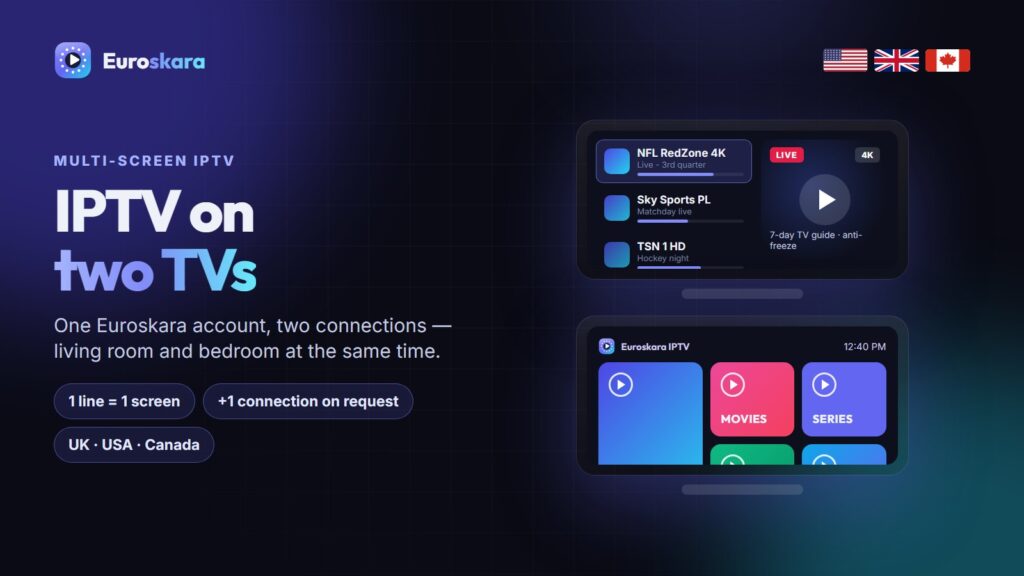
One IPTV line normally allows one screen at a time. To watch on two TVs at once, add a second connection to your account (the best method), or buy a second line. Two devices on one single-connection line will cut each other off. With Euroskara IPTV, ask on WhatsApp and a second connection is added to your plan at a reduced rate.
It is the most common question after the first week: the living room works perfectly, someone turns on the bedroom TV, and both streams stop. Here is why, and the three ways to fix it.
Why One Line Means One Screen
An IPTV line is licensed per simultaneous stream, called a connection. When a second device opens a stream on the same line, the server sees two connections and closes one — usually the first. It is not a fault; it is how every IPTV service controls capacity.
The Three Ways to Watch on Two TVs
| Option | How it works | Verdict |
|---|---|---|
| Multi-connection account | Your line allows 2 (or more) streams at once | Best: one login, one renewal date |
| Two separate lines | A different login on each TV | Works, but two renewals to manage |
| HDMI splitter | One box feeding two TVs | Avoid: both TVs show the same channel |
Option 1: Add a Second Connection (Recommended)
- Message Euroskara on WhatsApp with your username and the number of screens you need.
- We quote the extra connection at a reduced rate for the time left on your plan.
- Use the same login on both TVs — nothing else changes.
Same login everywhere. With a multi-connection line you install the player on each TV and enter the same details. Favourites are stored per device, so each TV can have its own.
Will My Internet Handle Two Streams?
| Two streams in | Speed needed |
|---|---|
| HD + HD | 30 Mbps |
| Full HD + Full HD | 50 Mbps |
| 4K + Full HD | 60 Mbps |
| 4K + 4K | 70 Mbps+ |
If one TV buffers when both are on, connect the busier one with Ethernet and see our buffering guide.
Why an HDMI Splitter Is a Trap
A splitter sends one picture to two screens. Both TVs show the same channel, controlled by one remote, and many splitters break 4K and HDR. It is only useful for showing the same match in two rooms.
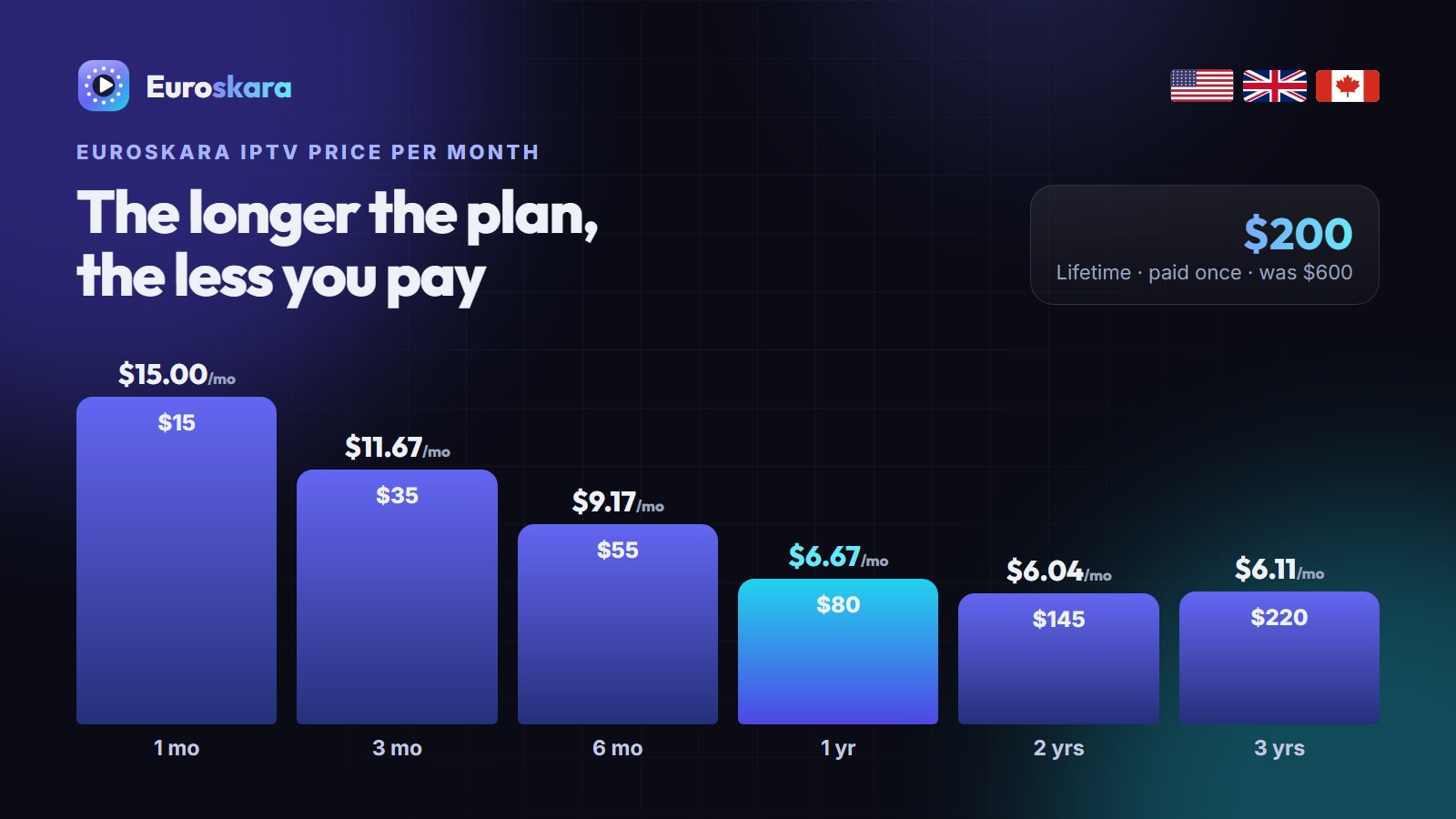
Which Euroskara Plan for a Multi-TV Home
Any plan can take extra connections. For two or more screens, longer plans make the most sense because the extra connection is priced for the whole term. See the pricing page or ask us for a family quote.
More IPTV Guides Worth Reading
If you are still comparing options, these guides from other IPTV services are worth a read alongside this one:
- iMax IPTV’s pricing page — plans with up to five devices on one account.
- TrendyScreen’s TiviMate setup guide — every TiviMate setting worth changing, screen by screen.
- StrimoIPTV’s free-trial page — what to check during a trial before paying.
Frequently Asked Questions
Can I use one IPTV subscription on two TVs?
Only if your line has two connections. A standard line allows one stream at a time, so a second TV will cut the first one off. Ask your provider to add a second connection.
How much is a second connection on Euroskara?
It is quoted at a reduced rate for the time left on your plan. Message us on WhatsApp with your username for the exact price.
Do I need two different logins for two TVs?
No. With a multi-connection line both TVs use the same username, password and server URL.
Can I use an HDMI splitter for IPTV on two TVs?
You can, but both TVs will show the same channel and many splitters break 4K. A second connection is the better solution.
What internet speed do I need for two IPTV streams?
About 30 Mbps for two HD streams, 50 Mbps for two Full HD streams and 70 Mbps or more for two 4K streams.
Need Euroskara on more than one TV?
Tell us how many screens on WhatsApp and we will set up a multi-connection line.